

Free
$0 No subscription
No time limit
For a focused reading shelf.
- Up to 15 active manga
- All reading and refresh features
- No account required
 MangaPing
For your next chapter
Your manga live on different sites. Keep track of new chapters in one place, on your Windows computer.
Free for up to 15 active manga. No account required.
New chapters, at a glance.
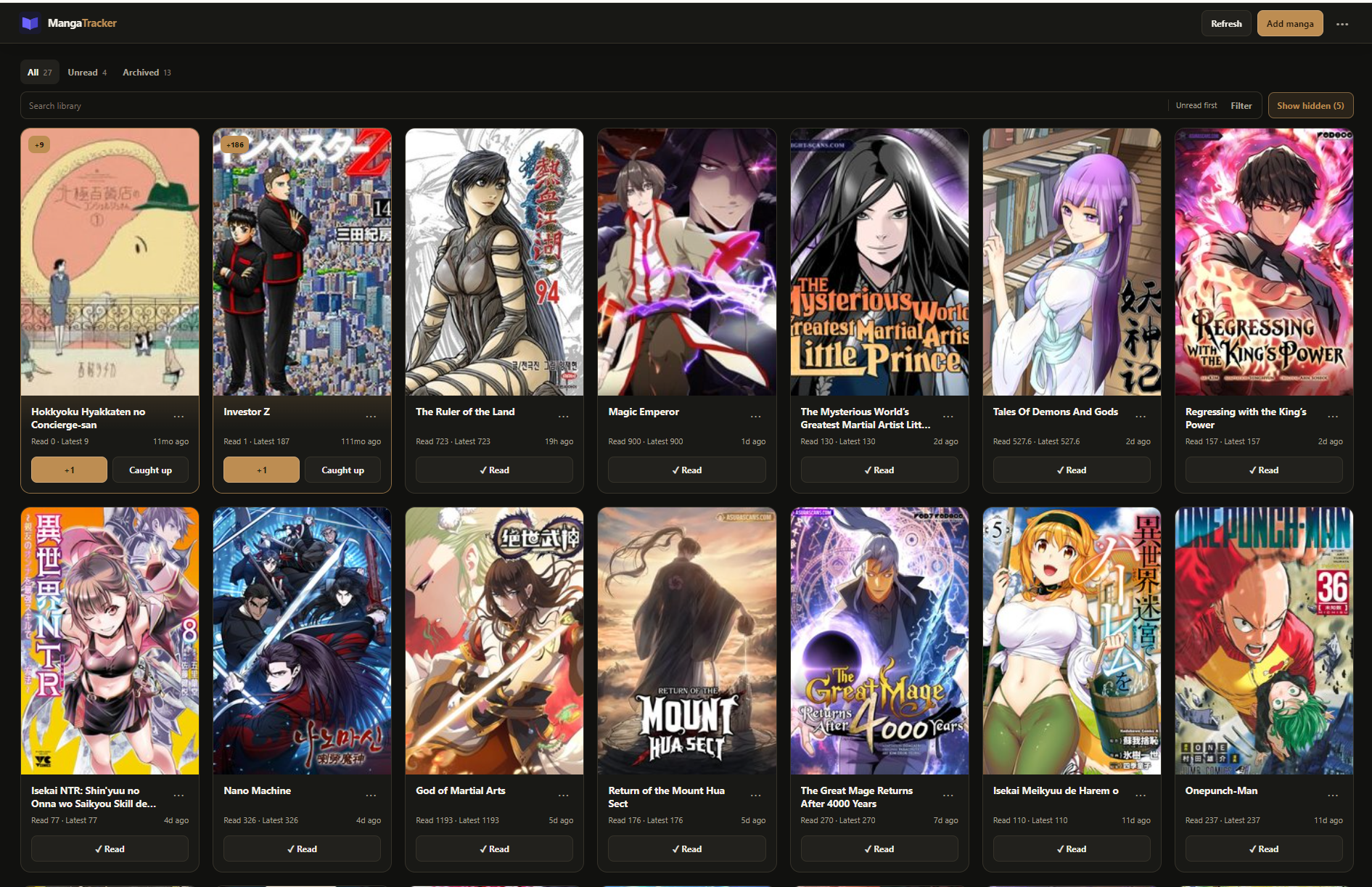
Keep a small, clear reading shelf that makes the next chapter easy to find.
Paste a URL from a supported source. MangaPing keeps the original link with it.
Check your library when you want. New chapters and reading state stay easy to scan.
Open the next unread chapter at its original source, then return when you are done.
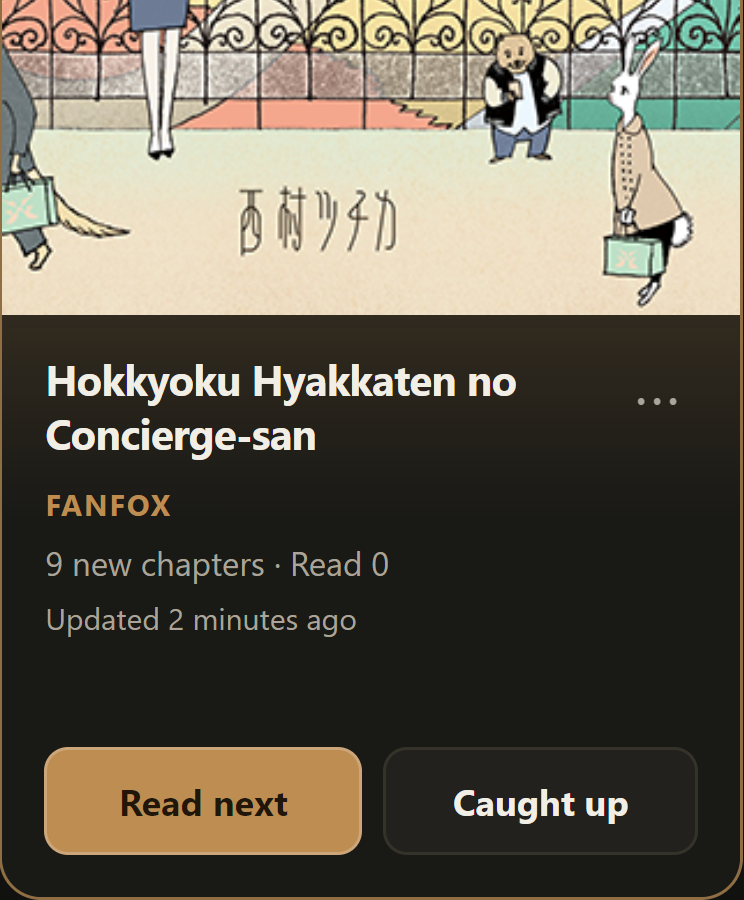
Example library card
See unread chapters, remember where you paused, and keep each series ready for your next visit.
One full reading experience. Choose the space your library needs.
$0 No subscription
No time limit
For a focused reading shelf.
Best value · Save 33%
$24 USD / year
Equivalent to US$2/month.
Billed US$24 once a year.
For your long-term reading shelf.
Coming soon
$2.99 USD / month
Billed monthly
For a larger library, month by month.
Coming soon
Paid signup is not available yet. Annual savings are compared with 12 monthly payments.
Your library remains yours. Reaching the Free limit does not hide, delete, or stop you reading the manga already in it.
MangaPing is currently a private Windows pre-release. A public download is not available yet.
No. Refresh your library when you want to check for updates.
No. MangaPing opens chapters at their original source site.
On your computer. MangaPing is local-first and does not require an account or cloud library. Supporter licence activation and validation are separate online operations.
MangaPing currently supports selected sources including MangaDex, AsuraScans, DivaScans, FanFox, Mgeko, ManhuaPlus, Manhwa18, Qi Scans, Toonily, Comix. Source support can change, while your saved titles and chapter links stay in your library.
Source sites can change or block a refresh. MangaPing keeps your existing reading state and saved chapter links available.
No. Both Supporter plans offer unlimited active manga and the same reading features. Only the price and billing interval differ. Paid signup is not available yet.
The initial desktop release is for Windows. A responsive website is not a mobile app or a cloud version of your library.
MangaPing for Windows
MangaPing is currently a private Windows pre-release. A public download is not available yet.
Read the product guide